

LED pixel lights flickering on outdoor building facades: causes and fixes is one of those issues that looks “small” at first—until you’re standing outside a finished project at night, the client is recording video, and a few rows of pixels start acting like they have a mind of their own. The good news is that most facade flicker problems are repeatable, measurable, and fixable once you approach them like a system: power delivery, control signal integrity, and outdoor environment, in that order. If you want a broader view of facade-ready lighting and display options for building exteriors, start with LED facade lighting solutions.
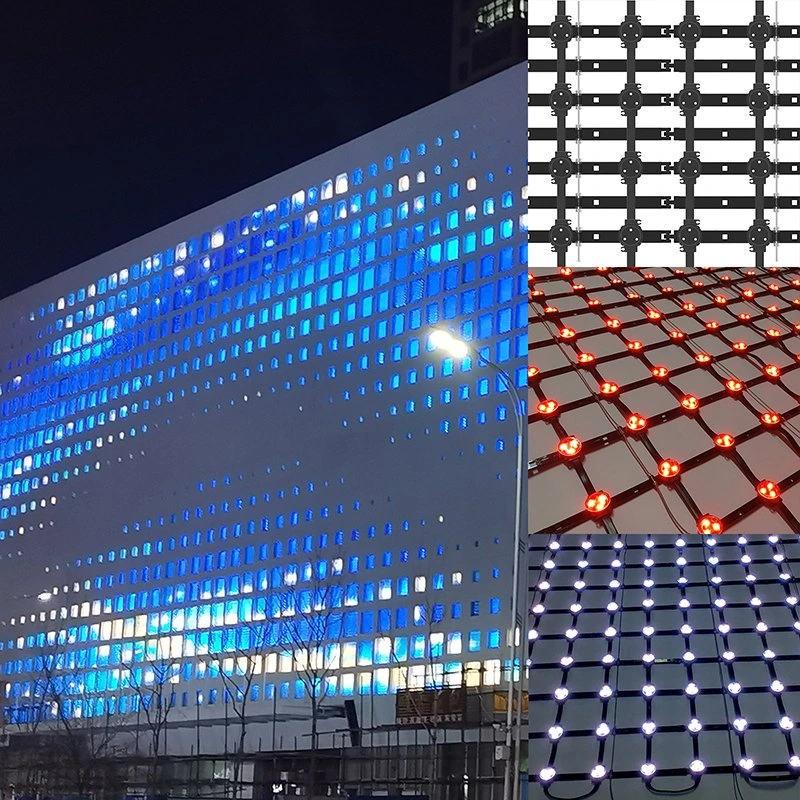
Answer: LED pixel lights flickering on outdoor building facades: causes and fixes
In real-world outdoor building facade systems, flicker most often comes from voltage drop under load, unstable grounding, control signal reflections or noise (especially on long runs), and intermittent outdoor connection issues such as moisture ingress or corrosion. Fixes follow the same logic: verify the end-of-line voltage while the system is at its highest load, correct power injection and wiring practices, stabilize grounding, then validate the control chain (DMX512 topology and termination, or addressable/TTL data integrity), and finally harden the installation against weather and mechanical stress. In practice, the fastest results usually come from correcting power and grounding first, because the symptom that looks like “signal flicker” is often a power problem in disguise.
What “flicker” really means on a facade—and why it matters
Outdoor facade flicker is not always a single phenomenon. Sometimes it’s a brief shimmer when a pattern transitions. Sometimes it’s a group of pixels dimming and brightening as if the content is breathing. Sometimes it’s a random color jump that only happens when the animation goes to full white. These differences matter because they point to different root causes.
A typical scenario goes like this: a building runs perfectly at 30–50% brightness during commissioning, then starts flickering when the client wants “maximum punch” for an event. That “it only happens at high brightness” clue is extremely valuable, because it almost always points to power delivery and voltage drop, not software. On facade projects—especially those using low-voltage DC pixel lights—voltage drop over distance is the rule, not the exception.
Power-related causes: voltage drop, ripple, and poor ground reference
Most facade pixel systems are deployed as long runs with repeated nodes. Even when every node meets spec, the system can still misbehave if power distribution isn’t designed like a power system.
Measure the right voltage, at the right place, at the right time
If you measure 12V or 24V at the power supply output and stop there, you can miss the problem completely. The measurement that matters is at the farthest pixel (or the farthest section that flickers), while the content is at peak load—typically full white or a high-duty animation. When voltage sags, pixels may reset, data may corrupt, or the output may strobe because the driver is dipping in and out of stable operation.
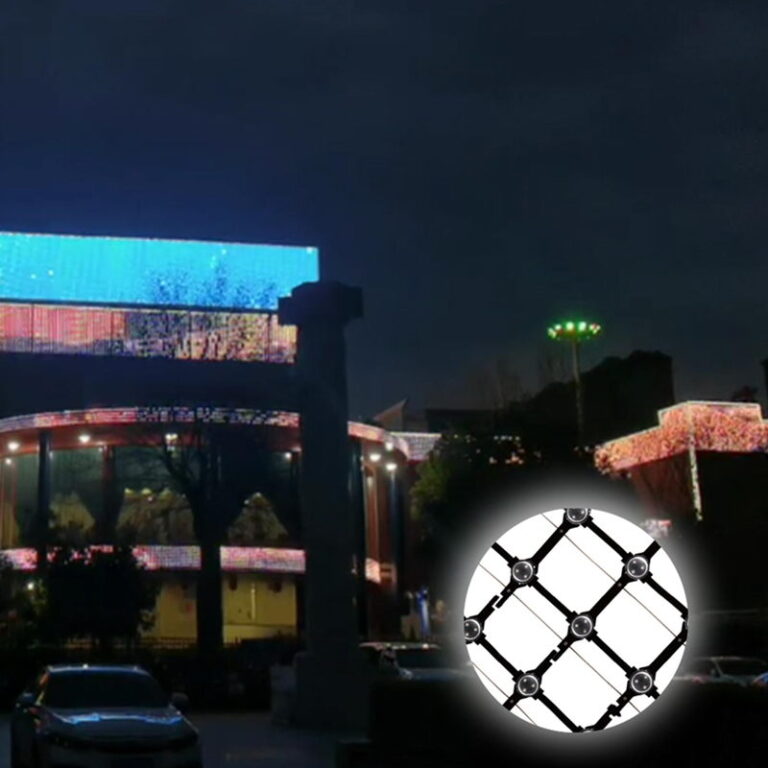
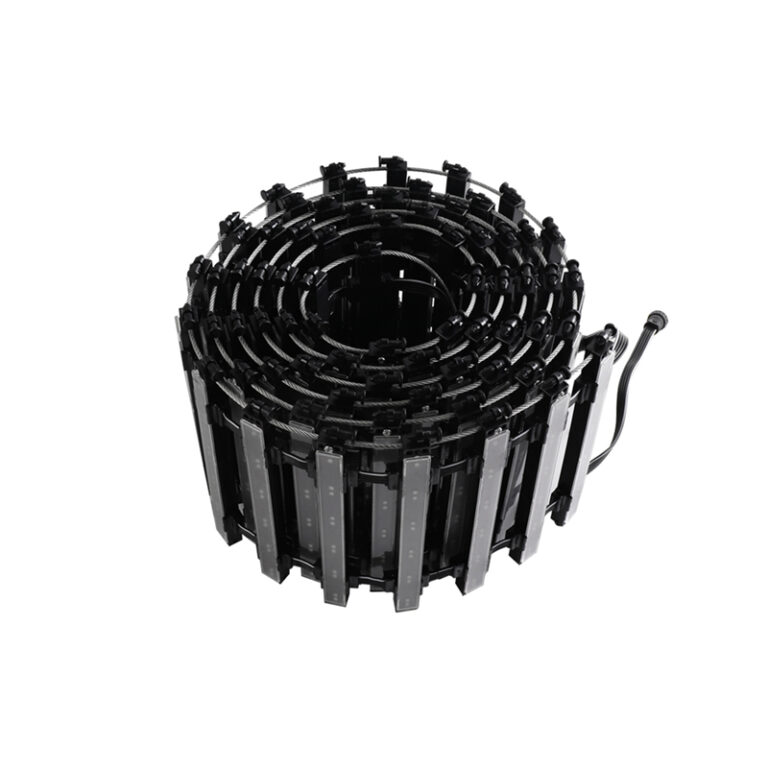
In outdoor grid-style facade screens and pixel modules that commonly run on DC low-voltage power, the system design is built around practical installation and safety. For example, grid-style facade modules designed for large buildings are often specified with low-voltage supply and outdoor protection features such as IP67 sealing and durable mechanical design, because they’re meant to live outdoors and be serviced efficiently over time.
Power injection strategy: the quiet difference between stable and “mysterious”
When a facade run is long, the solution is rarely “bigger power supply” alone. What fixes flicker is delivering stable voltage at each segment, which usually means power injection at sensible intervals and keeping conductor resistance under control.
Imagine a long facade band wrapping a hotel. The first 10 meters look perfect. The next 20 meters are “mostly fine.” The last 15 meters flicker on bright scenes. That pattern is classic voltage drop. When you inject power closer to the load (and do it correctly), you reduce the swing at the point where the electronics are most sensitive.
The key word is “correctly.” Power injection that ignores ground reference can create ground potential differences, which can also present as flicker—especially in addressable systems where data logic depends on a stable reference between controller and pixels.
Heat and outdoor duty cycles amplify power issues
Outdoor facades run longer hours and see wider temperature changes. Heat raises resistance and can reduce the margin you thought you had. This is one reason why outdoor-rated systems emphasize sealing, mechanical stability, and thermal behavior in their design. Many facade-oriented grid modules are described as lightweight, modular, and designed for self-heat dissipation, while maintaining IP67 protection for outdoor environments.
Control-chain causes in DMX512 pixel facade systems
DMX512 is widely used in architectural and entertainment lighting because it’s predictable and standardized, but outdoor building facades push DMX into long cable runs, multiple branches, and harsh EMI environments. Flicker in a DMX system is often not “DMX being unstable”—it’s the wiring topology acting like an antenna, or line reflections bouncing back through the chain.
Topology problems: the hidden cost of convenient wiring
A common installation shortcut is branching (a star topology) because it seems tidy for a facade. DMX generally prefers daisy-chain behavior for signal integrity. When reflections occur, you can see intermittent flicker, random strobe, or occasional loss of control—especially when multiple receivers are connected and the run length grows.
Termination and cable discipline still matter outdoors
Facade lighting teams sometimes treat DMX cable like “any two-core shielded line,” but impedance mismatch can show up as flicker. Even if a system “sort of works,” marginal signal integrity tends to fail when temperature shifts, moisture alters connector behavior, or content changes create different load timing and noise.
If your project relies on DMX-controlled pixel modules, it helps to choose product families that explicitly support DMX512 control and are built for outdoor installation. For example, facade grid-screen module specifications commonly list DMX512 control, IP67 protection, and wide operating temperature ranges for outdoor use.
If you’re comparing options for your next design, reference DMX512 pixel point light products and match control method, voltage, and environmental ratings to the project conditions.
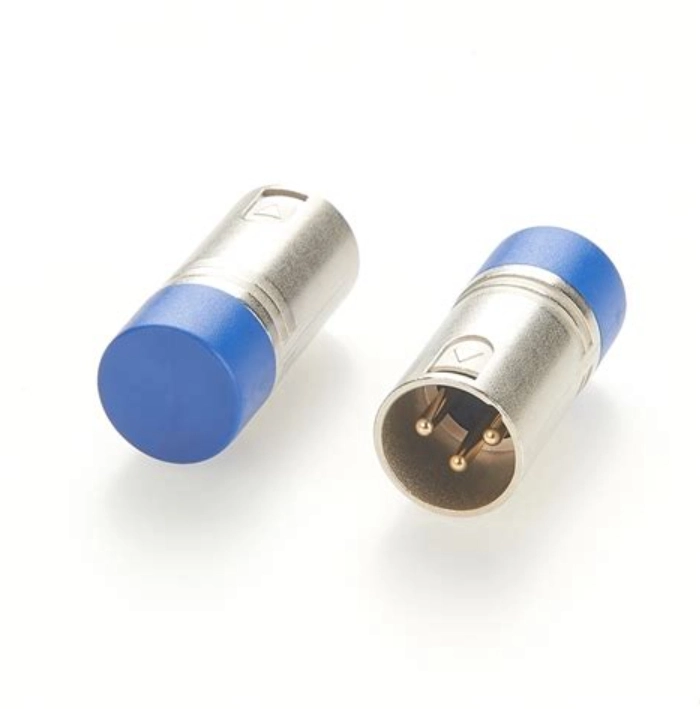
Addressable/TTL pixel flicker: data integrity and the “shared ground” reality
Addressable pixels can produce stunning media effects on building exteriors, but they are less forgiving when data wiring and grounding are treated casually.
If you see random colors, occasional pixel jumps, or flicker that travels along the run, you’re often looking at data integrity issues. Long data lines, weak signal edges, or noisy ground reference can push the system into borderline behavior that only shows up at night after everything warms up, or after rain changes connector contact quality.
One practical rule holds across many addressable systems: the controller ground and pixel ground must be stable relative to each other. When installers inject power in multiple places without thinking about ground reference, the system can develop small voltage differences between “grounds,” and the data line—referenced to that ground—starts to behave unpredictably. The symptom can look exactly like a software glitch even when the root cause is electrical.
Outdoor environment causes: moisture, corrosion, mechanical stress, and intermittent connectors
Outdoor building facades create a unique kind of failure: intermittent. A connector that is “almost sealed” can work for weeks, then start flickering after wind-driven rain. A cable that was tugged during installation can develop a high-resistance point that only shows up when current rises on bright content.
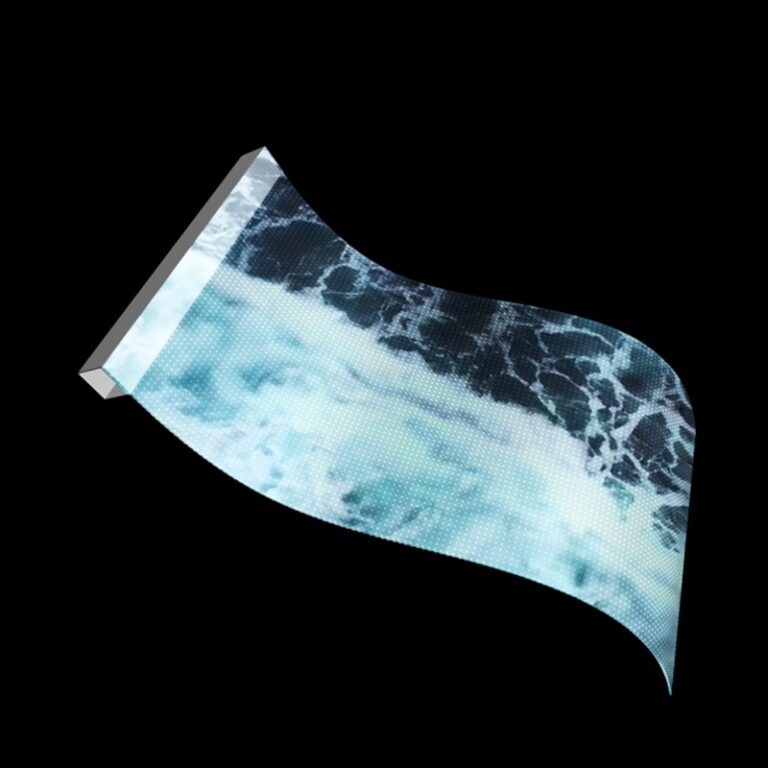
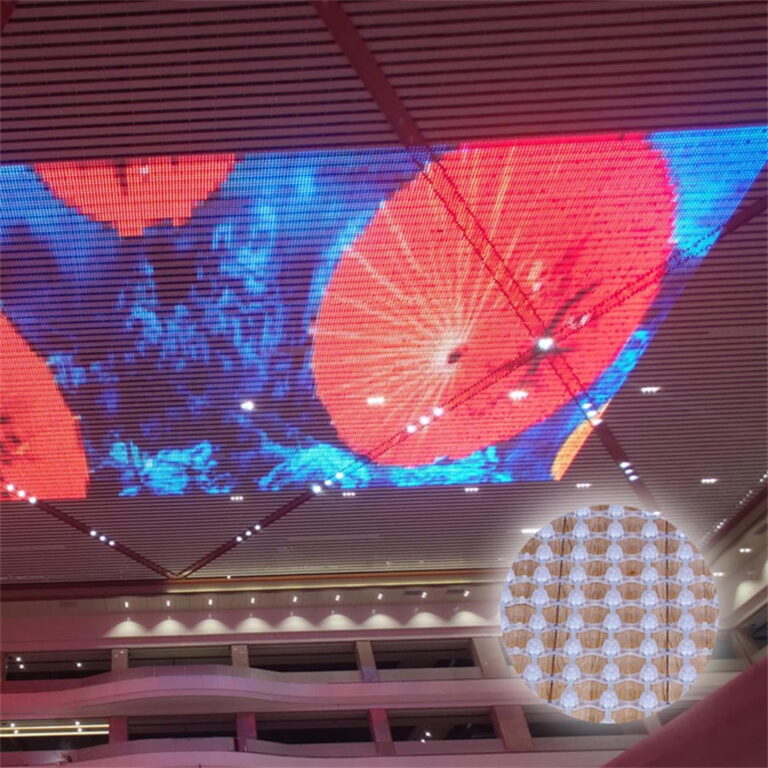
This is why outdoor facade systems emphasize sealed structures and robust installation methods. Grid-style facade lighting modules are often described as fully sealed and waterproof (IP67), designed for both indoor and outdoor use, and suitable for curved or flat installations—because real facades are rarely perfect planes and because weather is never polite.
When flicker appears “only after rain,” or “only on one side of the building,” treat it like a physical installation issue first. Moisture ingress, corrosion, and strain relief failures are far more common than a controller randomly deciding to flicker.
How to fix facade flicker in a way that stays fixed
The best troubleshooting is the kind you can repeat across projects. In the field, you want a sequence that reduces variables quickly.
Start by forcing the system into a worst-case load condition (full white or the brightest real content used on site), then observe exactly where flicker starts. If the flicker is localized to a far end or a particular branch, treat power delivery as suspect first. Measure voltage at the flickering point under load, not at the supply. Correct cable sizing and injection intervals, and verify that grounding is stable and sensible across injection points.
Once the power side is stable, validate the control chain. In DMX systems, simplify topology where possible, keep runs disciplined, and treat termination and shielding as real engineering constraints, not optional accessories. In addressable systems, shorten and protect data runs, and pay close attention to ground reference between controller and pixels.
Finally, harden the physical layer. Outdoor facade projects succeed when connectors are treated as critical components, cable routing avoids sharp edges, strain relief is real (not hopeful), and all exposed points are protected against water paths. If your project requires customized form factors, control methods, or installation hardware, align manufacturing and project engineering early; ODM/OEM manufacturing support is most valuable when it’s involved before the facade is already on scaffolding.
About Shenzhen XinHe Lighting Optoelectronics Co., Ltd
Shenzhen XinHe Lighting Optoelectronics Co., Ltd was established in 2004 and has focused for years on the R&D and application of point light sources and grid-screen systems used in architectural landscape and advertising lighting projects, offering services that typically cover solution design, engineering budgeting, product supply, and on-site guidance.
The company operates with a structured production system and has reported recognitions and management-system certifications that support consistent quality and long-term project delivery. For a brief background and milestones, see About Shenzhen XinHe Lighting Optoelectronics Co., Ltd.
Заключение
LED pixel lights flickering on outdoor building facades is rarely “random.” It’s usually a predictable outcome of voltage drop under real load, unstable ground reference, marginal control wiring practices, or a physical installation that isn’t fully hardened for weather and mechanical stress. When you troubleshoot in a disciplined order—power and grounding first, control integrity second, environmental and connector issues last—you shorten downtime, reduce rework, and end up with a facade that looks stable not only on day one, but after seasons of heat, rain, and continuous operation.
FAQs
Why are my LED pixel lights flickering on an outdoor building facade only at high brightness?
High-brightness scenes draw more current, which increases voltage drop across long power cables and connectors. When the far-end voltage sags under load, pixels can reset or behave unstably, showing up as flicker that doesn’t appear at lower brightness. In practice, the fix is usually improved power injection and better control of conductor resistance, followed by verification of grounding between injection points.
How do I fix LED pixel lights flickering on outdoor building facades in a DMX512 system?
Start by confirming the problem is not power-related by measuring far-end voltage under peak load. Then review the DMX wiring topology for long branches, poor routing, or excessive reflections, and bring the line back to disciplined daisy-chain behavior where possible. DMX-controlled facade modules are commonly specified with DMX512 control and outdoor protections like IP67 and wide operating temperatures, which supports stable operation when installation practices match the system requirements.
What causes LED pixel lights to flicker on outdoor building facades after rain?
Rain often exposes small sealing or connector issues: moisture can enter a connection, raise resistance, or create intermittent contact, and the result is flicker that seems “mysterious” until you inspect the physical layer. Outdoor-oriented facade modules and grid systems typically rely on sealed structures (for example, IP67-rated construction) to reduce this risk, but installation details still matter.
Why do addressable pixel lights flicker on outdoor building facades even when power looks fine at the supply?
Addressable pixels depend on clean data signaling and a stable shared ground reference between controller and pixels. If the controller ground and pixel ground drift relative to each other—often caused by multi-point power injection without careful grounding—data thresholds can become marginal and pixels may flicker or show random color jumps. Checking ground continuity and stabilizing the data path usually resolves it faster than changing software.
How can I prevent LED pixel lights flickering on outdoor building facades before installation starts?
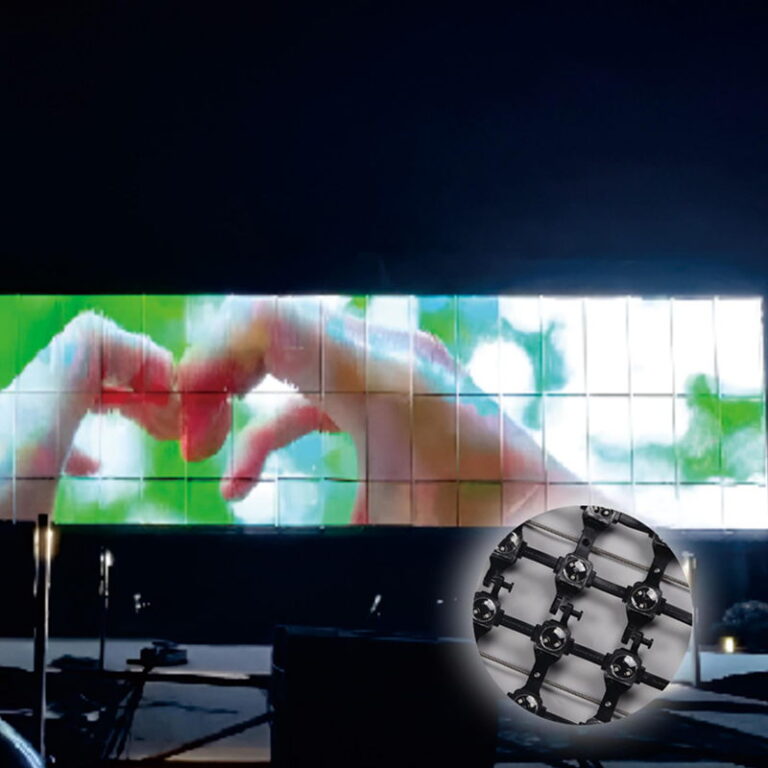
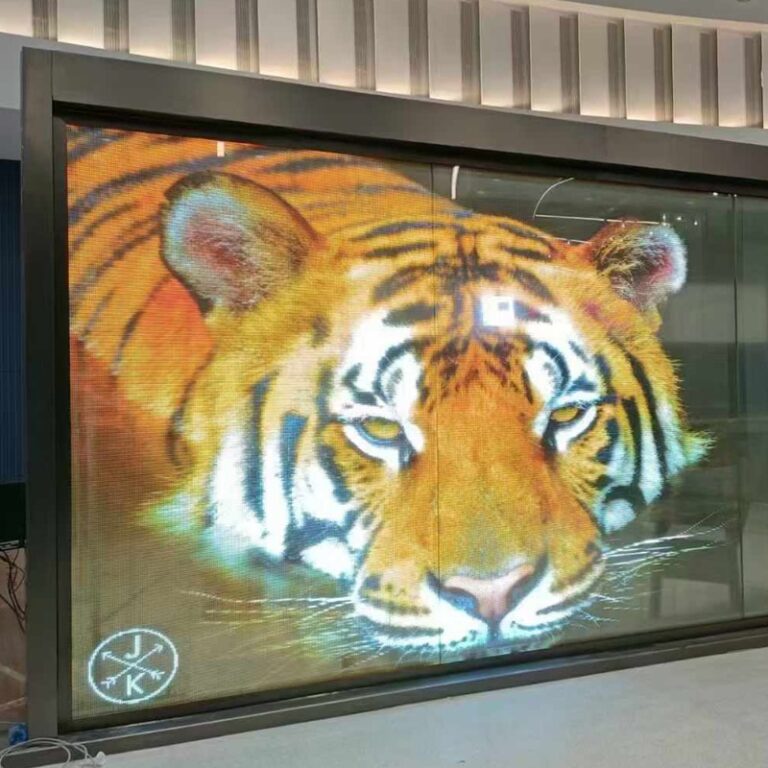
Design the facade as a complete electrical and mechanical system. Plan injection intervals and cable sizing around worst-case load, align grounding strategy with the control method, and select outdoor-ready products with environmental and mechanical ratings appropriate for the site. For large facade media surfaces, grid-style systems emphasize outdoor protection (such as IP67), durable construction, and installation methods designed to reduce labor and maintenance exposure over time.






 Russian
  English
  Arabic
  Spanish
  French