

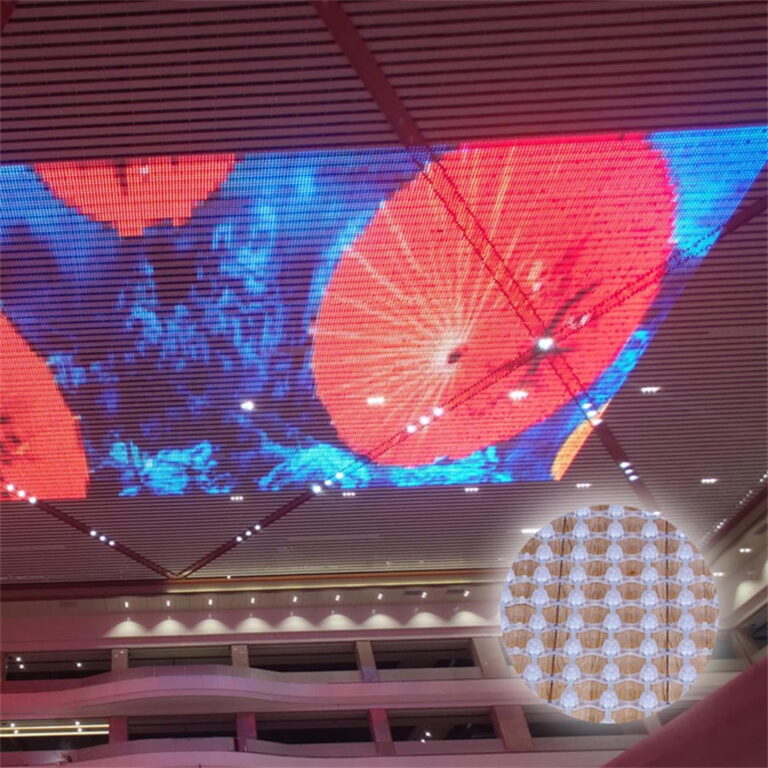
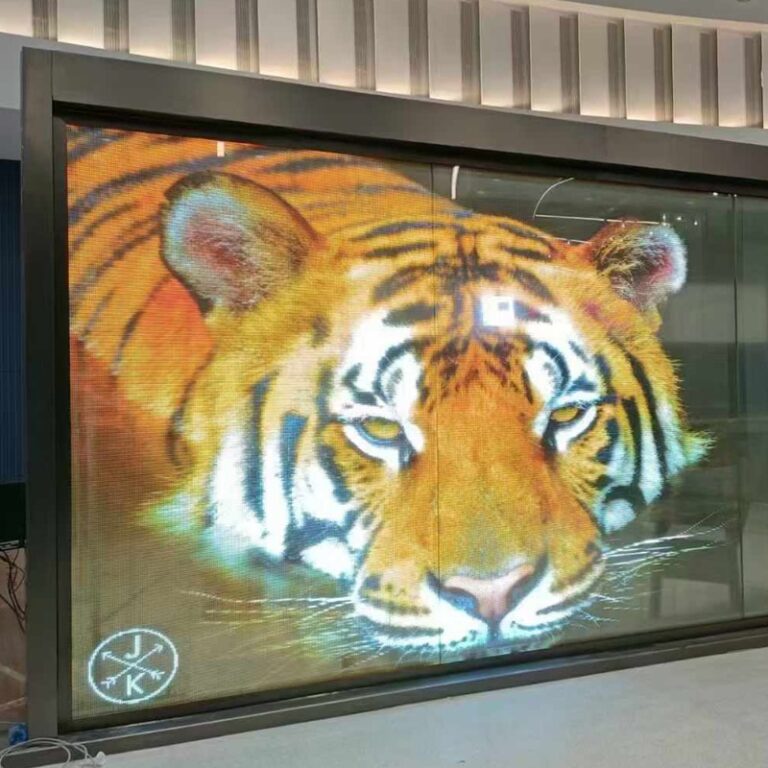
Transparent LED screens transform shop windows, exhibition booths, and glass interiors into lively displays. They do this without completely blocking the background view. However, content designed for a standard LED wall might appear faint on a transparent screen. Readability depends on ambient light, pixel pitch, viewing distance, and the visible background. Successful content requires strong typography, high contrast, smooth motion, and properly prepared files.
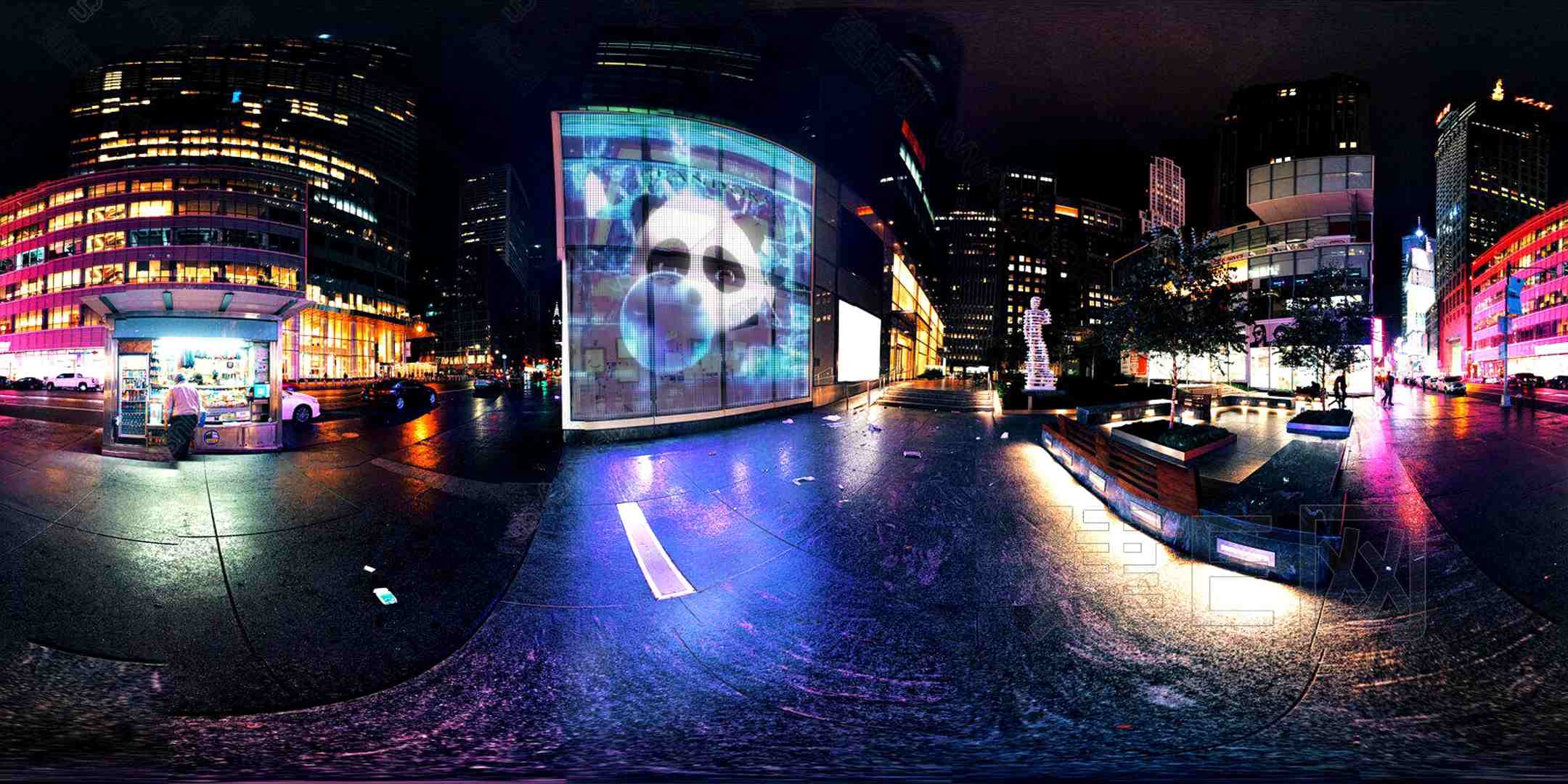
How Should You Choose Fonts for a Transparent LED Screen?
Typography must stay clear while people walk past the screen or look at it from far away. The ideal font delivers the message without adding extra details.
Use Bold, Simple Typefaces
Select clear sans-serif fonts with medium or heavy weights. Arial, Helvetica, Montserrat, and Roboto are more reliable than thin serif fonts, narrow letters, or fancy scripts. Thin lines can easily fade against bright backgrounds.
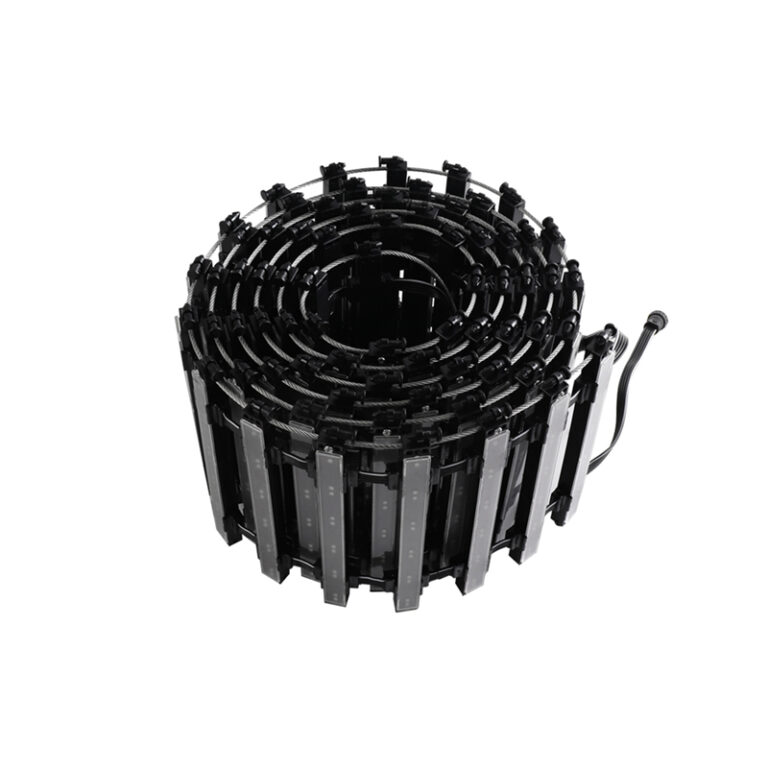
Keep your headlines short. Display one primary message per scene, and apply plenty of spacing. Always check the text size on the actual screen when possible. XinHe offers a transparent film range with pixel pitches from P4 to P20. The wider pitches are designed for longer viewing distances.
How Can You Create Strong Contrast?
The surrounding area stays visible through the screen. Therefore, reflections, store items, lighting, and walking people become part of the visual mix.
Use Bright Colors and Dark Visual Areas
Bright white, yellow, cyan, green, and deep brand colors usually grab attention. Put crucial text over dark sections instead of complex videos or highly transparent spots.
Stay away from light gray text, thin borders, and weak gradients. Product pictures must feature sharp outlines. Daytime content generally requires larger elements and bolder color separation. Meanwhile, evening content can feature deeper gradients. You should always review the playlist from both inside and outside the building.
How Much Motion Should the Content Use?
Motion draws the eye, but too much animation can pull viewers away from the main offer. Every movement must direct attention toward the product, the core message, or the desired action.
Keep Animation Smooth and Purposeful
Apply slow reveals, gentle turns, and brief transitions. Stay away from fast blinking, endless zooming, and multiple tiny items moving in random directions.
A useful order is: visual hook, product advantage, special offer, and call to action. Keep each scene visible long enough for people to read it. Also, ensure the loop restarts seamlessly. Place logos, prices, and contact info inside a secure central zone. Modular or custom-shaped setups might have seams or uneven borders. XinHe points out that specific screen sizes can be adjusted following technical review.
How Can You Make QR Codes Easy to Scan?
A QR code links a display directly to a product page, a discount coupon, a menu, or an event form. But a code that is too tiny or placed over moving backgrounds will likely fail.
Keep the Code Large, Stable, and Useful
Display the QR code as a still image for multiple seconds. Apply high contrast. A dark code on a bright solid background works best. Also, maintain a clean empty space around all four edges.
Never stretch, spin, warp, animate, or make the code transparent. Check it using different phones from the intended scanning distance. Include a clear benefit like “Scan for today’s offer” or “View the full collection.” Finally, ensure the target website opens fast on mobile devices.
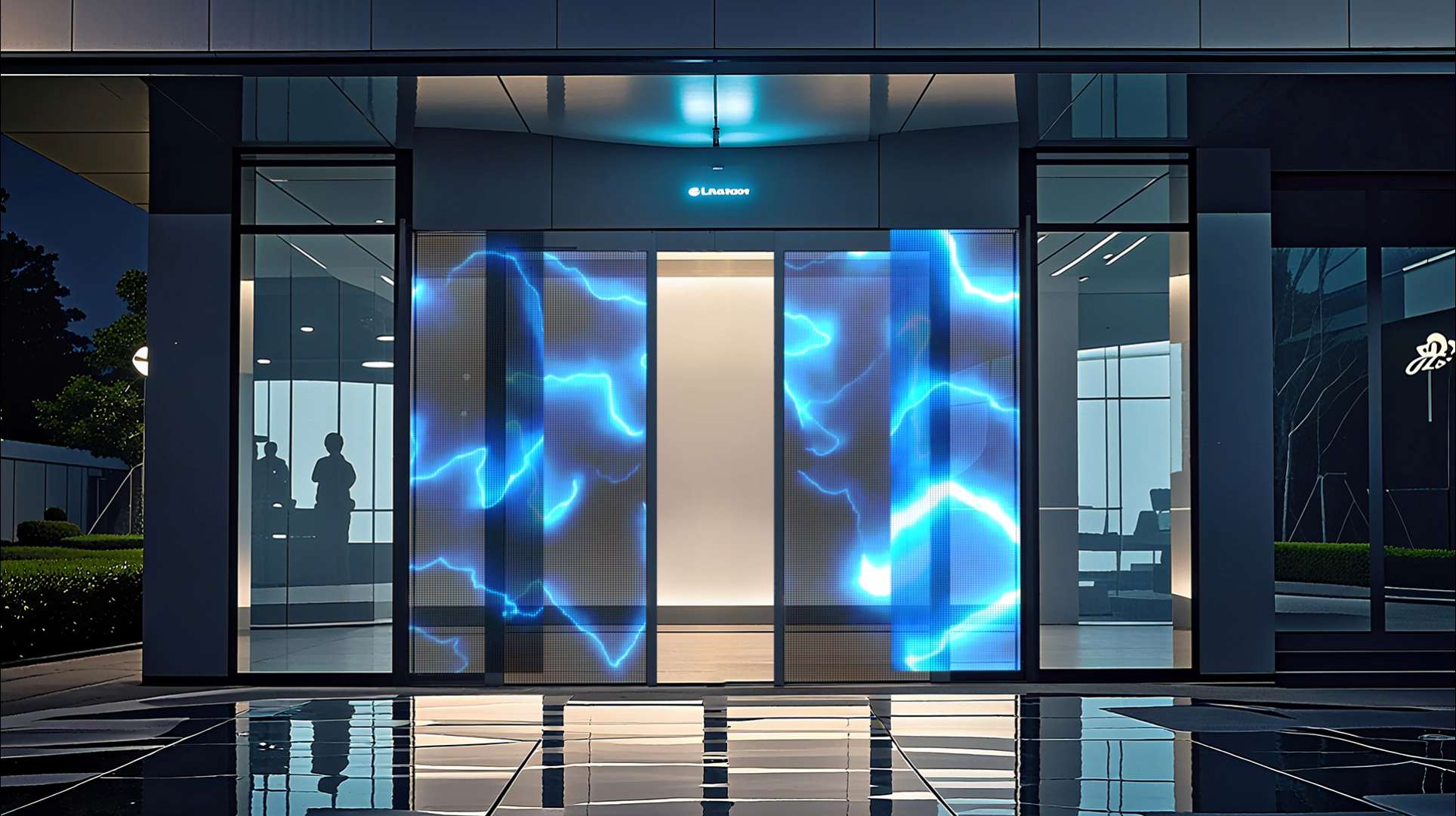
Which File Specifications Should You Confirm?
There is no single export setting for every transparent LED screen. Proper file setup relies on the specific resolution, the controller, the media player, the screen direction, and the overall shape.
Match the Native Pixel Resolution
Request the exact pixel width and height from your supplier. Create your digital canvas at that specific resolution. Do not assume a standard 16:9 ratio will work perfectly. Vertical windows, curved setups, and unique shapes frequently require custom layouts.
Verify accepted file types like MP4, MOV, PNG, or static pictures. MP4 with H.264 compression is usually handy, but the ultimate format must suit the playback equipment. Also, check the frame rate, the bitrate, the screen orientation, the file-size limits, and the total playlist length.
Complete a Prelaunch Test
Review the spelling, prices, dates, QR code links, visual transitions, and loop timings. Run the playlist on the actual screen hardware, rather than just on a computer monitor. Check it from the closest and the most distant viewing spots. Then, modify the text size, the timing, the contrast, and the brightness as needed.
Why Choose Shenzhen XinHe Lighting Optoelectronics Co., Ltd?
A trusted supplier helps match your creative content with the screen specs and the installation environment. Shenzhen XinHe Lighting Optoelectronics Co., Ltd has specialized in LED products since 2004. The company provides LED transparent film screens, LED mesh screens, and related display systems. Its transparent film lineup features various pixel pitches, modular dimensions, flexible mounting methods, and tailored project choices.
Support for Commercial Display Projects
As a dependable Transparent LED Screen supplier, XinHe helps with product choices and technical details. They manage OEM/ODM requests and plan applications for retail windows, trade shows, advertising boards, and building spaces.
Conclusión
Effective transparent LED content is clear, direct, and built for the real surroundings. Rely on readable fonts, high contrast, smooth motion, steady QR codes, and files that match the screen’s native resolution. Always check every campaign under actual lighting and viewing situations before it goes live. The main objective is to make viewers notice, read, and respond to your message.
FAQs
Vivid, rich colors and crisp white graphics generally pop out nicely. This is especially true against dark or unlit backgrounds. Always review your brand colors under both daytime and nighttime lighting conditions.
Can Standard 16:9 Videos Be Used?
Yes, but only if the display area features a matching ratio. Vertical windows, curved screens, and unique shapes normally demand content built at a precise pixel resolution.
How Long Should Each Message Stay on Screen?
A logo might require just a few seconds. Conversely, a promotion or a QR code must stay visible long enough for viewers to read or scan it. The ideal timing depends on the viewing distance, the walking speed, and the overall message complexity.




 Spanish
  English
  Arabic
  Russian
  French