

Picking the correct Crystal Truss Screen pixel pitch impacts image quality and viewing distance. It also changes transparency, brightness, power use, and overall project costs. A smaller pitch like P4 gives you more pixels. This means much finer details. On the other hand, P16 or P20 models offer better transparency. These are great for large displays seen from far away. This guide compares P4, P5, P6, P8, P10, P16, and P20. We wrote it to help retailers and architects pick the best transparent LED display. Advertising companies, event planners, and system integrators will also find this useful.
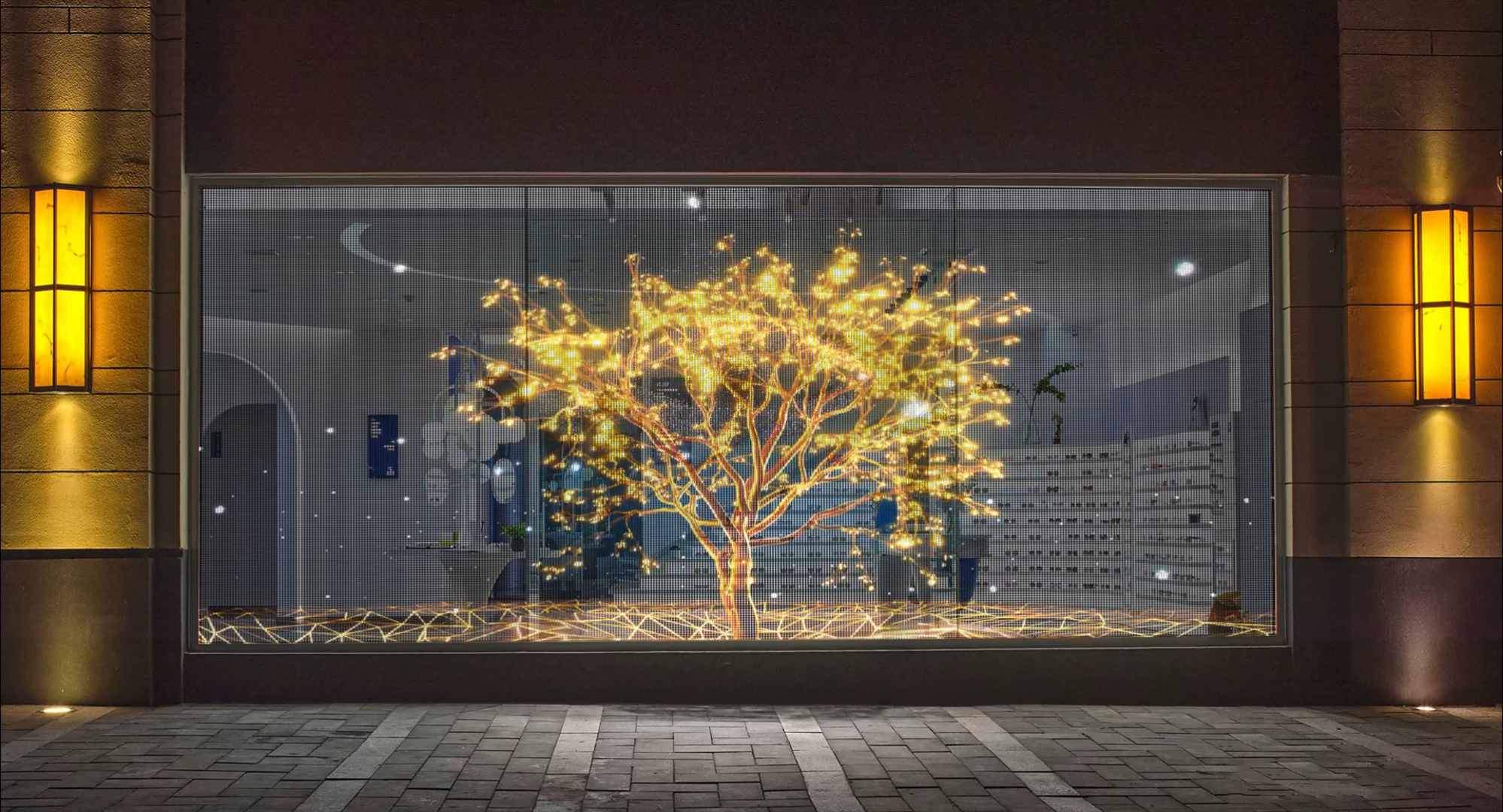
How Do P4 to P20 Specifications Compare?
Pixel pitch simply means the gap between two LED pixels next to each other. A smaller number creates a higher pixel density. Meanwhile, a larger number leaves more open space between those pixels. Buyers need to look at pitch alongside brightness and transparency. You must also consider viewing distance and average power use.
What Does the Specification Table Show?
| Model | Pixel density | Typical brightness | Transparence | Viewing distance | Average power |
| P4 | 62,500 dots/m² | 3,000 cd/m² | 87% | ≥4 m | 200 W/m² |
| P5 | 40,000 dots/m² | 2,900 cd/m² | 88% | ≥5 m | 200 W/m² |
| P6 | 27,778 dots/m² | 2,800 cd/m² | 90% | ≥6 m | 200 W/m² |
| P8 | 15,625 dots/m² | 2,500 cd/m² | 92% | ≥8 m | 200 W/m² |
| P10 | 10,000 dots/m² | 2,000 cd/m² | 93% | ≥10 m | 200 W/m² |
| P16 | 3,906 dots/m² | 1,500 cd/m² | 94% | ≥16 m | 130 W/m² |
| P20 | 2,500 dots/m² | 1,000 cd/m² | 95% | ≥20 m | 80 W/m² |
XinHe’s official specs also show a screen weight under 3 kg/m². They feature a wide viewing angle and 16-bit grayscale. You can install them using lifting methods or adhesive. You should always confirm the final details based on your specific custom screen setup.
When Should You Choose P4, P5, or P6?
P4, P5, and P6 are high-density options made for closer viewing distances. They work best when you need clear text and sharp product details. You should pick them if top-notch video quality matters more than getting maximum transparency.
Which Projects Are Suitable for P4?
P4 packs 62,500 pixels into every square meter. Experts suggest a viewing distance of about four meters or more. This model fits perfectly in high-end retail windows and jewelry shops. It also looks great in cosmetics displays, museums, and corporate lobbies. Premium exhibition spaces often use it too.
Go with P4 if your content has small text or highly detailed logos. It is ideal for close-up product shots and complex animations. The listed transparency sits at 87%. This is lower than models with a wider pitch. Because of this, you need to balance image clarity with how much people can see through the glass.
Why Choose P5?
P5 delivers 40,000 pixels per square meter. It has roughly 2,900 cd/m² of brightness and an 88% transparency rate. You get a bit less detail compared to P4. However, it gives a very practical balance between screen resolution, clear visibility, and budget limits.
This model works really well for fashion stores and car showrooms. Restaurants and shopping mall windows use it frequently. It is also great for brand experience centers. In these places, people usually stand five meters or further from the glass.
Where Does P6 Perform Well?
P6 features a nice 90% transparency rate. The best viewing distance for this model is at least six meters. It does a great job showing promo videos and brand messages. You can display large text easily. At the same time, it keeps the glass very clear for people looking through it.
You will often see P6 used on retail storefronts and exhibition booths. It is also a smart pick for hotel entrances, airport shops, and indoor glass walls.
When Should You Choose P8 or P10?
Buyers often pick P8 and P10 for medium and large commercial screens. These models give you better transparency than the close-view options. They are a solid choice when people will not stand right next to the display.
Is P8 Suitable for Shopping Malls?
P8 contains 15,625 pixels per square meter. It hits about 2,500 cd/m² in brightness and offers 92% transparency. You should view it from at least eight meters away.
This makes it perfect for shopping mall atriums and big exhibition halls. Large retail windows and indoor ad screens use it a lot. It even works well as a stage background. Your content needs large fonts and simple shapes. High contrast and clear motions are very important. Very small text will just not look sharp if someone gets too close.
When Is P10 More Practical?
P10 boasts a 93% transparency level. Makers designed it for people watching from ten meters away or more. It is a highly practical choice for massive storefronts and busy transit hubs. Building entrances and car showrooms rely on it often. Glass curtain walls look amazing with it too.
P10 lowers the pixel count and cuts down costs. Yet, it still delivers powerful ad visibility as long as viewers stand at the right distance.
When Should You Choose P16 or P20?
P16 and P20 focus heavily on clear transparency and long-distance viewing. They also use much less power on average. These models fit large visual effects perfectly. They are not meant for tiny details viewed from up close.
Which Applications Fit P16?
P16 has a listed transparency of 94%. You should watch it from about 16 meters away or further. Its average power use sits at just 130 W/m².
People use it for massive shopping centers and wide-open atriums. Transit stations and hanging displays benefit from it. Building façades and media architecture projects love this model. It does a fantastic job showing huge logos and simple videos. Decorative animations also look brilliant on it.
Why Choose P20?
P20 brings a stunning 95% transparency rate. The best viewing distance is at least 20 meters. It only uses about 80 W/m² of power on average.
This makes it ideal for giant indoor glass walls and commercial screens seen from afar. Oversized branding projects use it frequently. It is perfect when you need lots of natural light passing through the window. However, you should avoid P20 for small text. Fine images will look blurry if viewers stand too close.
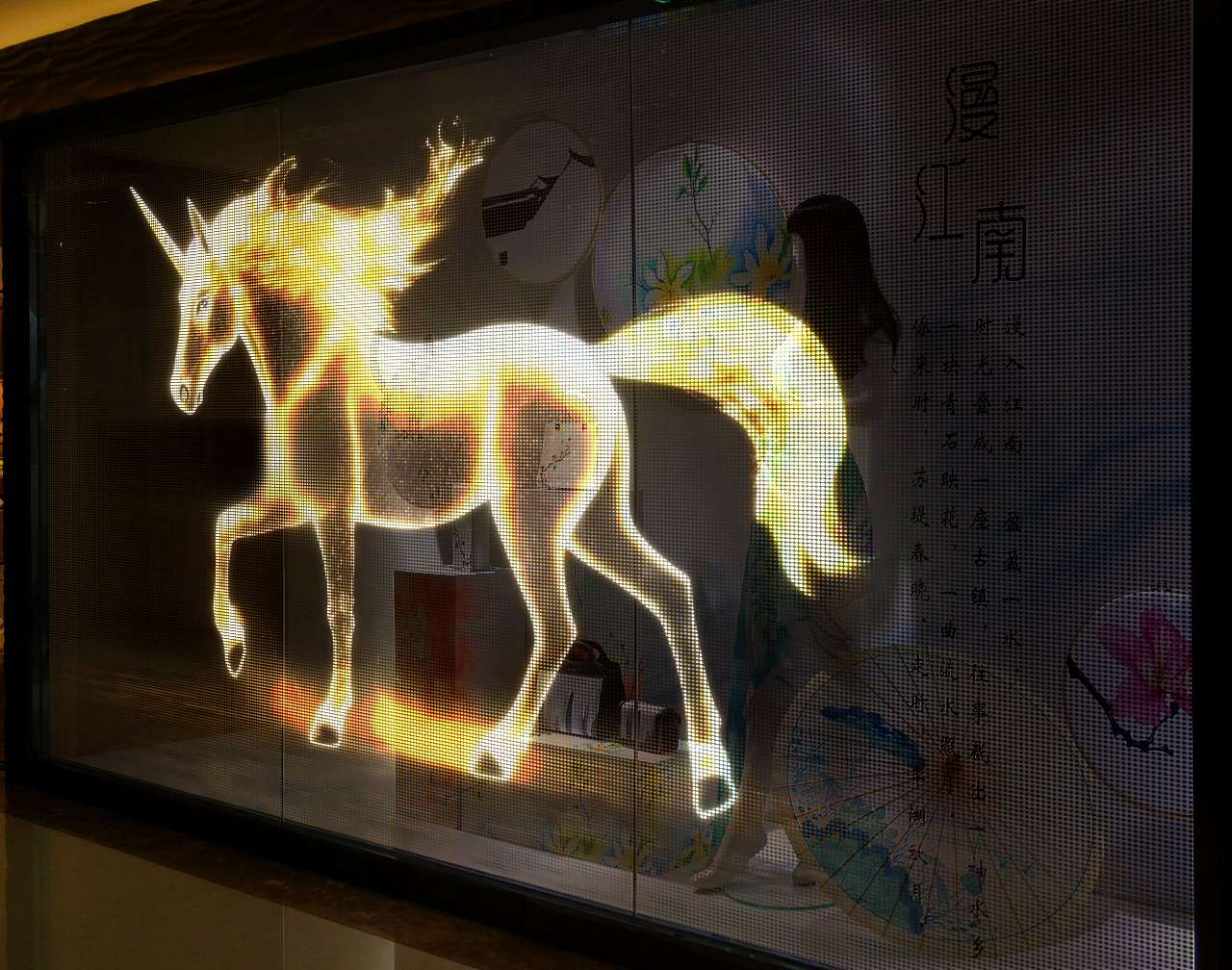
How Should Content Affect Pixel Pitch Selection?
You must pick your screen based on the content you plan to show. A high-resolution model might just be a waste of money. This is especially true if your project only shows big logos or abstract animations.
Which Pitch Matches Different Content Types?
Detailed product photos and small text need P4, P5, or P6 screens. Prices and fine graphics look much better on these models. Promo videos and large slogans fit nicely on P8 or P10.
Branded animations work very well on them too. P16 and P20 handle oversized logos beautifully. They are great for decorative lighting and basic motion graphics. You should use them for content seen across huge public areas.
Always create your media to match the exact pixel resolution of your screen. Big text and strong contrast yield the best results. Clean shapes and smooth movements work better than highly detailed, TV-style videos.
Why Choose Shenzhen XinHe as a Crystal Truss Screen Supplier?
A good supplier needs to help buyers compare product specs easily. They should assist in planning the screen layout. They must also help you pick the right control system and figure out the best installation method.
What Support Does XinHe Provide?
Shenzhen XinHe Lighting Optoelectronics Co., Ltd started its business in 2004. The company focuses on LED point lights and grid screens. They also specialize in transparent display products.
XinHe offers full solution designs and engineering budgets. They supply the products and give expert technical advice. Their flexible transparent screens come in many different pixel pitches. These fit retail windows, shopping malls, and big exhibitions. You can use them on glass façades and curved surfaces. They even work for custom creative setups.
The design is very light and flexible. You can stick it right onto the glass. You can also hang it up. This removes the need for big, heavy steel frames.
Conclusion
Always start by checking the closest normal viewing distance. Pick P4, P5, or P6 if close-up image details matter a lot. Think about P8 or P10 for medium-range commercial ads. Go with P16 or P20 for massive displays. These are best when clear transparency and long-range impact take top priority.
After that, look at your content type and glass size. Check the room brightness and average power limits. Think about your install method and budget. The smallest pixel pitch is rarely the perfect choice for everyone. The right model gives you enough image detail. It does this without adding extra costs. It also keeps the glass as clear as your project demands.
Before you ask for a price quote, gather some details. Send the supplier your screen sizes and site photos. Tell them the viewing distance and content type. Share the daily operating hours and how you want to install it.
FAQs
Is P4 Always Better Than P10 or P20?
Not at all. P4 gives you much finer image details up close. However, P10 and P20 offer much better transparency. They are usually cheaper for huge displays seen from far away.
Can Viewers Stand Closer Than the Recommended Distance?
Yes, they can. But the individual pixels will become quite obvious. The empty spaces between them will also show up. We highly suggest testing a product sample first. Do this if close-up looks are vital for your project.
Can Different Pixel Pitches Be Used in One Project?
Yes, you can install different pitches in separate areas. Putting them together into one single image takes extra work. You must map the content very carefully. This is because every section will have a totally different resolution.





 French
  English
  Arabic
  Russian
  Spanish