

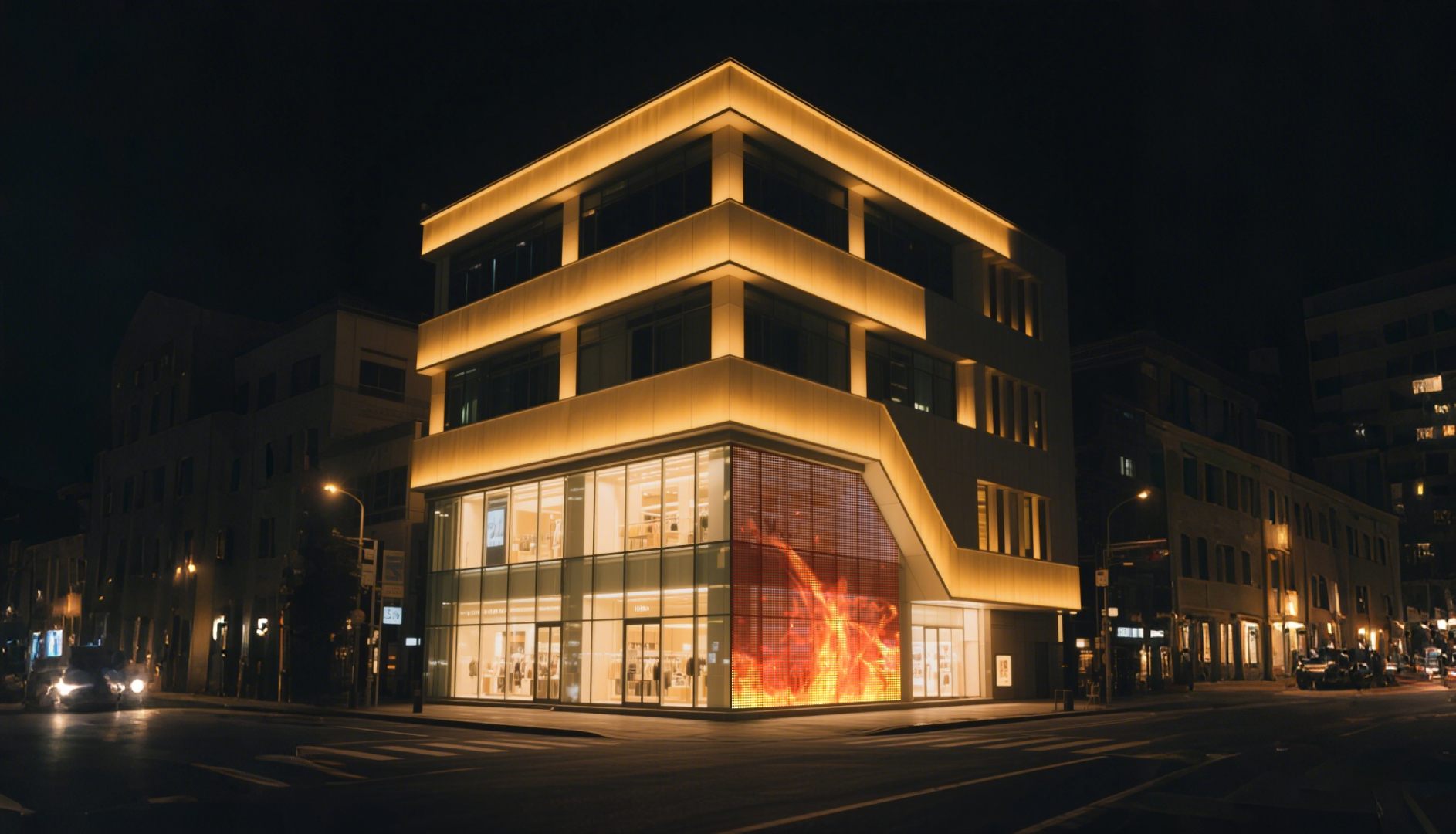
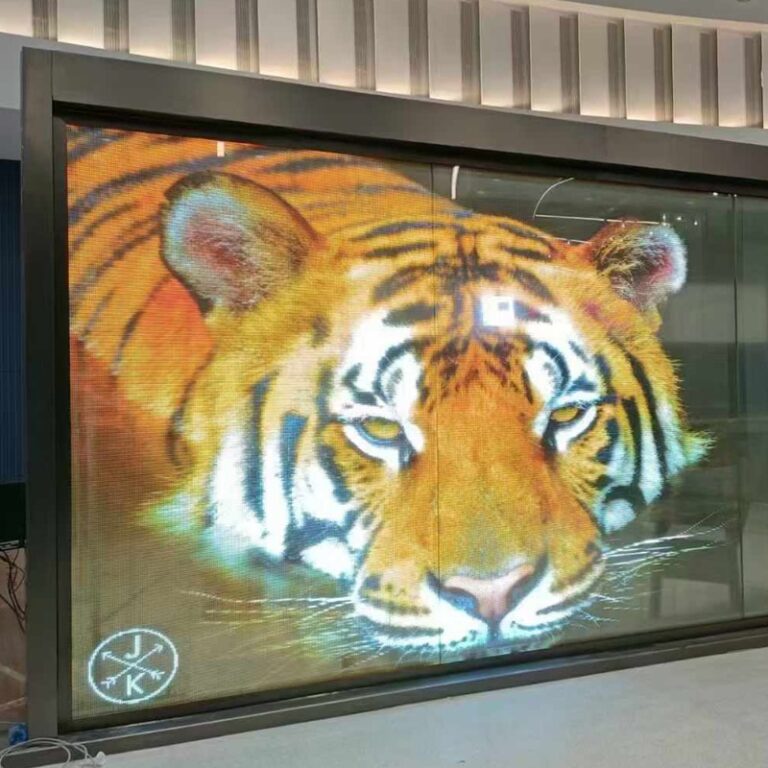
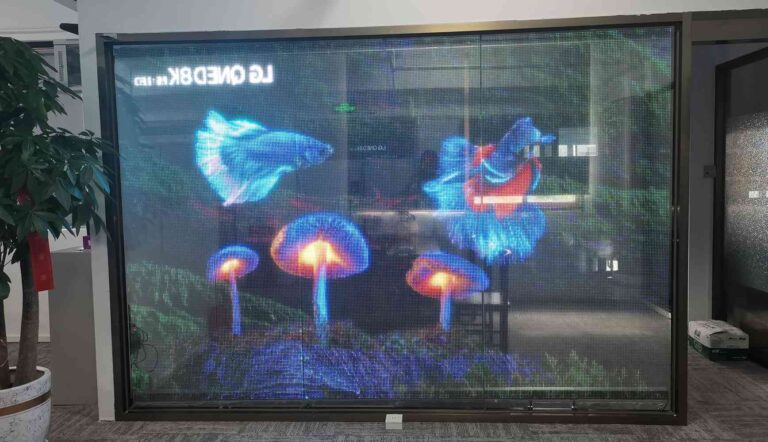
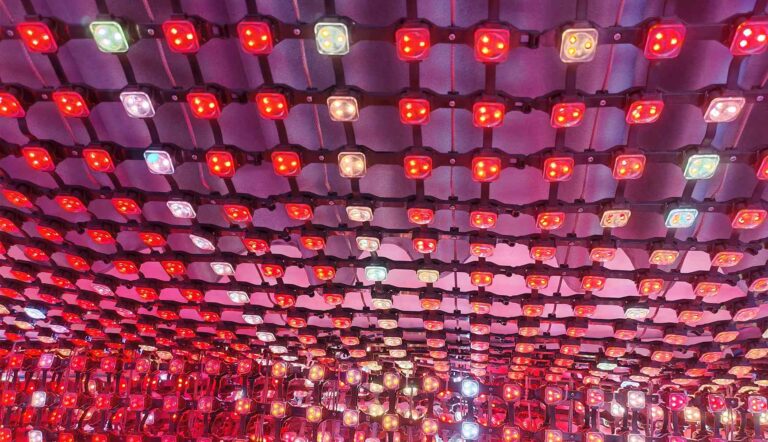
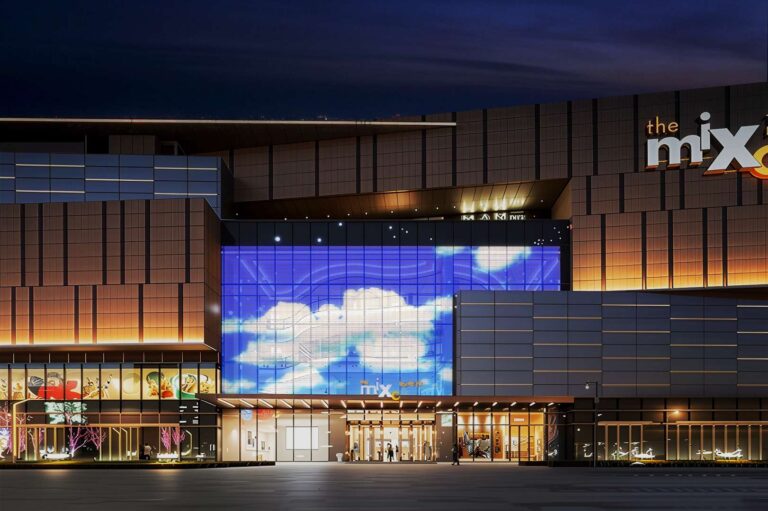
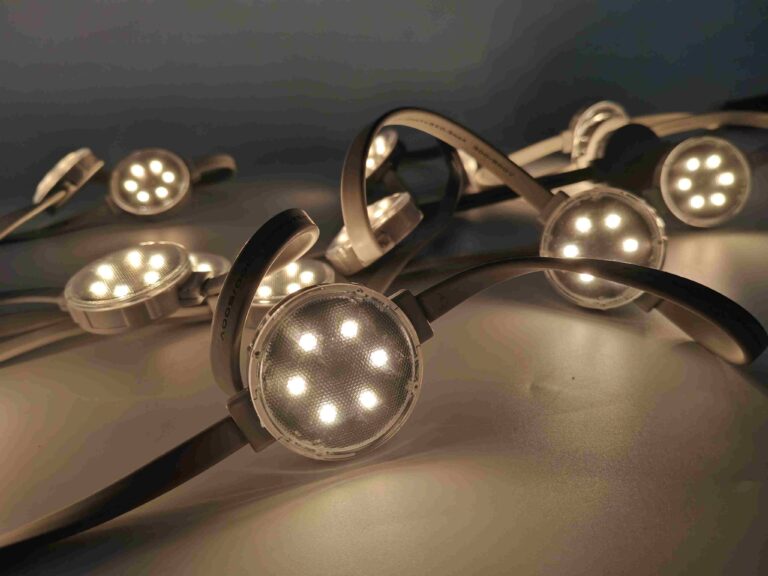
A crystal truss screen easily turns a normal glass façade, retail window, stage, or exhibition area into a clear digital display. You should not pick a screen based just on its price or total size. Doing that might lead to blurry pictures, extra costs, or bad visibility during the day. A solid project plan needs to link four main things. These are the pixel pitch, the physical screen size, the native resolution, and the viewing distance of the audience. The math formulas and the shared example below give a helpful starting point. They work well for buyers, architects, ad agencies, and system integrators.

What Information Should You Collect Before Calculating the Screen?
The math starts with the actual setup area instead of a specific product model. You need to write down the site conditions first. Do this before you compare P10, P16, or P20 crystal truss screens.
Where Will the Screen Be Installed?
Measure the usable width and height of the glass. Still, do not think the whole surface can serve as a display. You must check the glass joints, doors, and window frames. Also, look at the air vents, wire paths, control gear spots, and areas for maintenance work.
You should also note if the screen will go indoors behind a glass panel or sit fully outdoors. The direction of the sun and glass reflections matter. Surrounding light, local weather, and city building rules can heavily change your product choice.
Where Will the Audience Stand?
Find the closest, normal, and furthest viewing spots. A retail shopper might stand just a few meters away from a store window. Meanwhile, people looking at a large media façade could be 20 to 100 meters away.
The type of media matters a lot, too. Big logos and moving graphics stay clear from a long distance. On the other hand, text like prices, schedules, detailed item photos, and QR codes need a much higher pixel density.
How Should You Choose the Right Pixel Pitch?
Pixel pitch is the exact distance between two side-by-side LED pixels. We measure this gap in millimeters. A smaller number packs more pixels into the same space. This improves picture details up close. However, it usually raises the total cost and drops the glass transparency a bit.
The ranges below serve as basic planning guides. You should confirm your final choice using the official product details and a real test sample at the site.
What Viewing Distance Fits P10, P16, and P20?
A widely used initial guess is:
Minimum viewing distance in meters ≈ pixel pitch in millimeters
That rule gives us this basic comparison:
| Pixel pitch | Approximate minimum distance | Suitable applications |
| P10 | 10 meters | Retail façades, mall atriums, trade shows, and medium-distance ads |
| P16 | 16 meters | Commercial buildings, transit hubs, and big glass walls |
| P20 | 20 meters | High-rise façades, long-distance building media, and massive screens |
This is not a strict limit. Transparent displays hold a lower pixel fill rate than solid LED walls. Furthermore, glass reflections and nearby lights can alter the seen image quality. Testing sample media right at the actual site is much more reliable than just following a single rule.
When Is a Finer Pitch Worth the Extra Cost?
You should pick a finer pitch when people stand near the screen. It also helps if the media has tiny text or the display needs to show clear product traits. A P10 unit fits nicely in a car showroom or a shopping mall. In these places, guests often walk right up to the glass.
A wider pitch like P16 or P20 might offer better value on a tall building façade. From a long distance, the audience sees the whole picture instead of single dots. Buying extra pixel density will increase the controller load and power needs. It also drives up the project cost without making a visible difference in quality.
How Do You Calculate Screen Size and Resolution?
After you select the viewing conditions and the pixel pitch, you must calculate the native resolution. This step tells your media designers exactly how many pixels they can use.
Please use millimeters for the entire math process:
Which Formulas Should You Use?
Horizontal resolution = screen width in millimeters ÷ pixel pitch
Vertical resolution = screen height in millimeters ÷ pixel pitch
Total pixels = horizontal resolution × vertical resolution
For instance, an 8-meter-wide screen equals 8,000 millimeters. If you use P10, its horizontal resolution is 8,000 divided by 10. That results in 800 pixels.
You calculate the total screen area separately:
Screen area = width in meters × height in meters
You should figure out the physical aspect ratio as well. Transparent screens mostly rely on custom sizes instead of standard 16:9 layouts.
What Does an 8 × 4-Meter Example Show?
An 8 by 4-meter screen gives a total area of 32 square meters. It also has a physical aspect ratio of 2:1.
| Pixel pitch | Horizontal pixels | Vertical pixels | Total pixels |
| P10 | 800 | 400 | 320,000 |
| P16 | 500 | 250 | 125,000 |
| P20 | 400 | 200 | 80,000 |
A video saved only in the normal 1920 by 1080 format will not fit the 2:1 shape of this screen. The video controller might stretch or cut the image. Still, this action can make text and logos look bad. The best fix is to build the media at the native aspect ratio of the screen. Then, you map it directly to the final pixel canvas.
How Can You Check Whether the Screen Is Large Enough?
Resolution sets the image detail level. At the same time, the physical size decides if people will actually notice and read the media. You must check both factors together.
A small display with high resolution might fail to grab attention. This happens often when workers mount it high up on a massive building.
How Can Viewing Distance Help Estimate Screen Height?
One handy planning trick compares the screen height against the longest viewing distance. For big image setups, you can use a simple rule. The furthest viewing distance should be roughly 20 to 30 times the screen height. This serves as a good starting guide.
If the crowd stands 60 meters away, a screen about 2 to 3 meters tall can offer basic visual clarity. Detailed ads might need a much larger display. A façade placed near many bright competing signs will also need more size. You must think about the viewing angle and the mounting height as well.
Why Should You Test Real Content?
Build a full-size digital mockup first. Use a clear photo of the building, the screen sizes, the chosen pixel pitch, and the expected viewing spots. After that, test the actual media files. Do not just play bright and colorful demo videos.
Your test run should cover:
a brand logo placed on a clear background;
a picture of a person or a product;
text written in large and medium sizes;
scenes shown in bright daylight and dark night settings;
files with black sections, since these parts look clear when the pixels turn off.
The published product guides from XinHe describe their crystal truss screens as light, thin, and flexible. They also offer high transparency levels. Some setups list a brightness level reaching up to 6,000 cd/m². They also feature outdoor safety ratings up to IP67. You should still match these specs directly to your site conditions. Do not treat them as strict rules for every single job.
Why Work With Shenzhen XinHe Lighting Optoelectronics Co., Ltd.?
A crystal truss screen acts as a fully custom display system. Because of this, your supplier must do more than just sell parts. They need to help with project drawings and pixel mapping. Planning the power layout and picking the control system are also vital steps. Furthermore, setup advice and spare-parts planning hold great importance.
What Can XinHe Provide?
Shenzhen XinHe Lighting Optoelectronics Co., Ltd. started out in 2004. The firm focuses heavily on LED point lights, grid screens, and transparent LED displays. They also create building lighting solutions. The company supports custom screen sizes and unique shapes. These fit well in retail windows, glass curtain walls, and big commercial buildings. They also work in cultural spaces and transit hubs. Buyers can send in their glass sizes and site photos. You should also share the viewing distance, media needs, and the indoor or outdoor status. Then, the team will send back a custom project plan.
What Is the Final Recommendation?
The best crystal truss screen is not always the unit with the smallest pixel pitch. It is not always the brightest model, either. The ideal setup gives enough image detail at the real viewing distance. At the same time, it keeps the glass clear and controls power usage. It must also fit the available glass area perfectly.
Start your work with highly accurate site measurements. Calculate the native resolution for at least two different pixel-pitch choices. After that, compare them by running real media files. You should approve a physical sample or a visual mockup first. Do this before a large order goes into the factory for production.
FAQs
Can a Crystal Truss Screen Display Standard 1080p Video?
Yes, it can. However, the video processor will stretch or cut the video. This happens if the native resolution and aspect ratio do not match the 1920 by 1080 standard. You should build a custom media canvas that fits the exact screen resolution. This method usually gives a much cleaner and sharper result.
Does a Larger Pixel Pitch Always Mean Poor Image Quality?
No, it does not. A larger pitch can look simply great when the audience stands far enough away. Think about a high-rise façade seen from across a wide street or a public plaza. In that case, P16 or P20 might be much cheaper than P10. It saves money without hurting the final visual impact.
What Information Is Needed for an Accurate Quotation?
You need to supply the screen width and height along with the glass sizes. Also, give the mounting height and the closest and furthest viewing distances. State if the spot is indoors or outdoors. Note the sun direction, media needs, and available power supply. Finally, share the control method, destination country, and clear site photos. These facts let the supplier calculate the right modules, resolution, and power loads. They can also plan the accessories, packing boxes, and setup steps.





 French
  English
  Arabic
  Russian
  Spanish